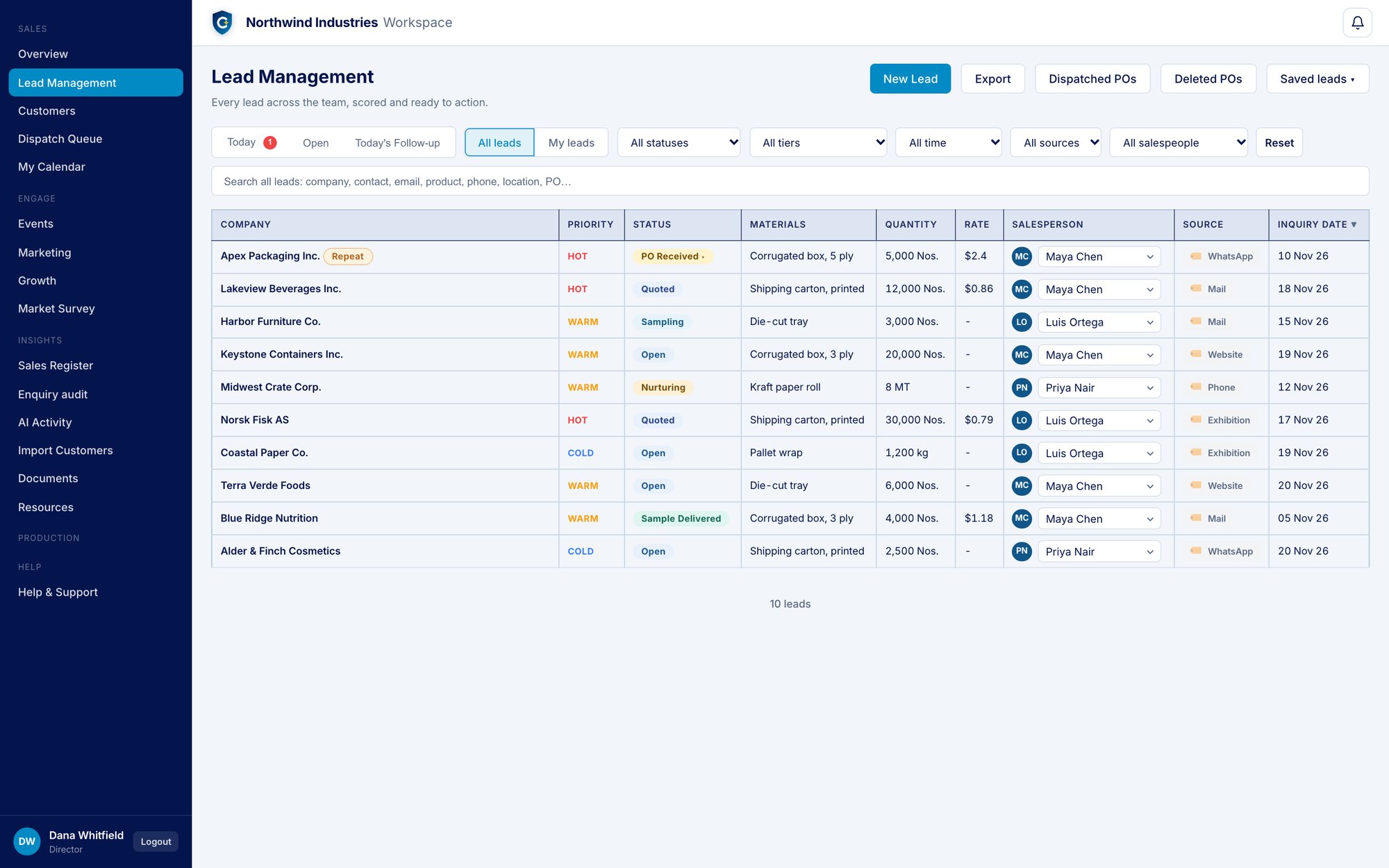
 Take the product tour
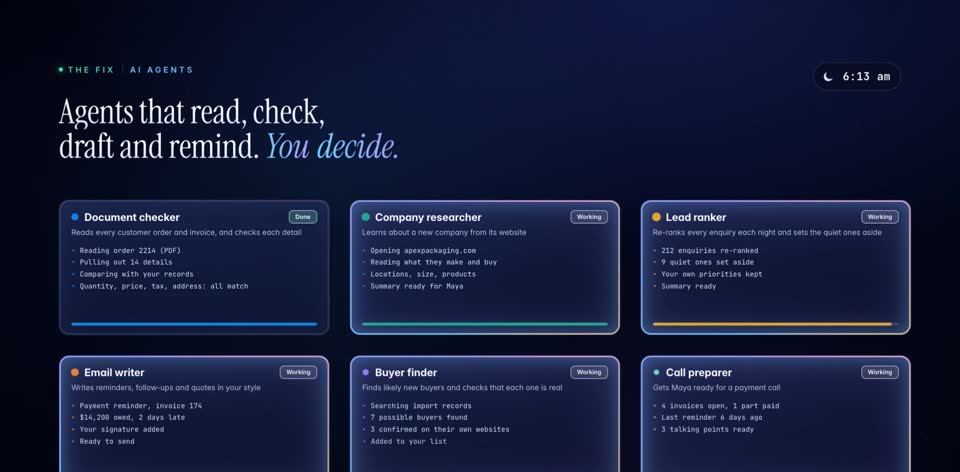 Meet the six agents
Every receivable followed to a zero balance.
The Sales Register in CIM Workspace lists every invoice on one row: basic value, freight, GST, invoice total, the due date from the payment terms, and the amount received. Accounts records full or part payments, TDS, receipts allocated across several invoices and remittance proofs, and reminders by email or WhatsApp request only the outstanding balance.
See it in the product tour, step 9 of 12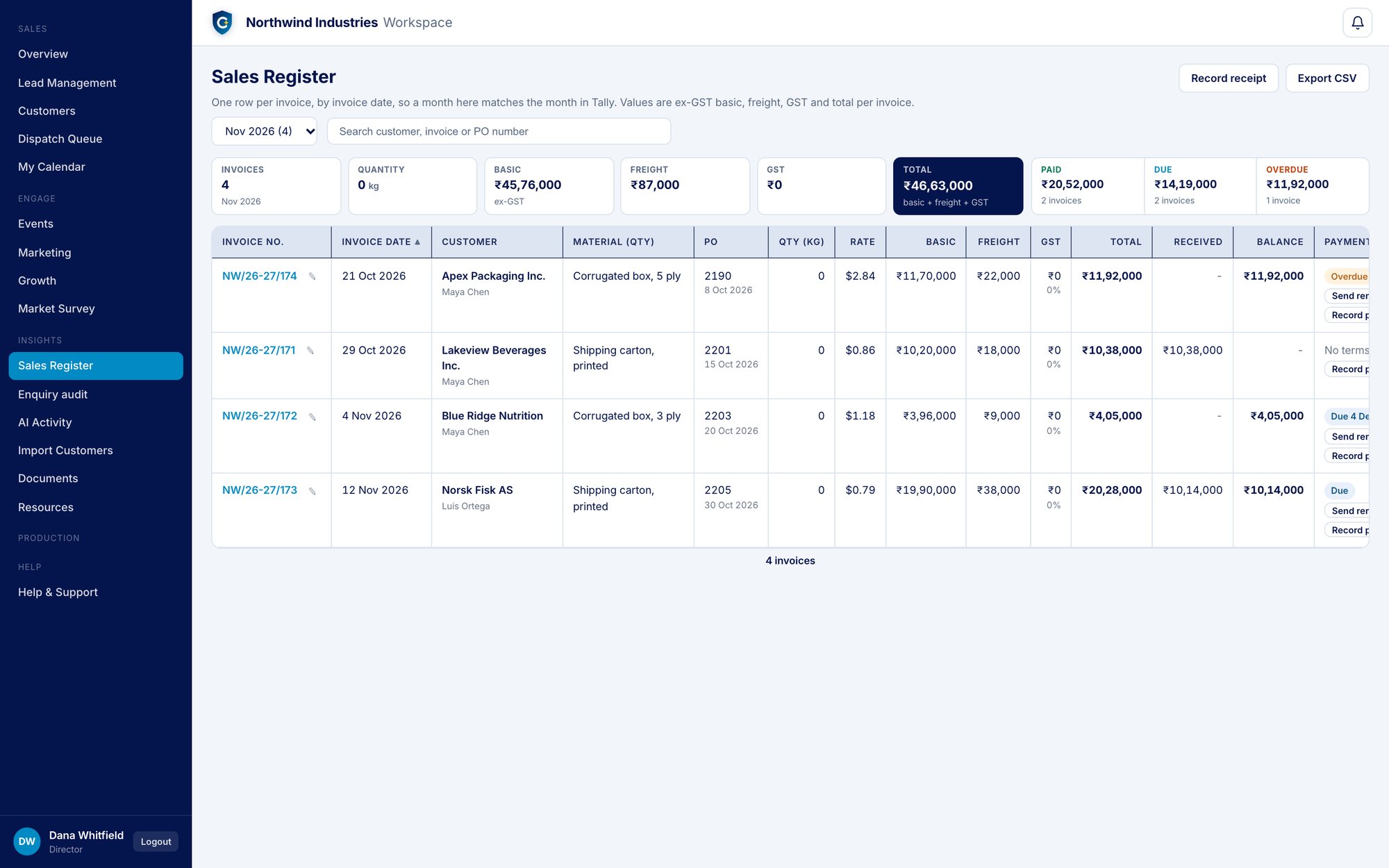
Sales Register and receivables, at a glance.
Invoice-wise register
Dated by invoice, with basic value, freight, GST, total, amount received, balance and remarks.
Part payments and TDS
Each payment records the amount, tax deducted at source, date, mode and reference; a residual balance can be settled with a reason.
Receipts allocated across invoices
A customer's payment is allocated across its open invoices, with the amount and TDS entered for each.
Remittance proof, kept private
A bank advice or payment screenshot is attached to the payment, never indexed and never offered to the email composer.
Reminders for the balance due
Email and WhatsApp reminders request the outstanding balance, showing the invoice total and the amount already received when part-paid.
Collection-call brief
Every open invoice for that customer, its payment history and recent reminders, with a few talking points.
Step by step.
- The invoice is added to the register when the shipment is marked Sent.
- Its due date is set from the order's payment terms.
- As the due date approaches, the reminder is drafted and ready to send.
- Accounts records the payment, in full or in part.
- At a zero balance the invoice closes and leaves the calendar.
Built for the people who do the work.
- AccountsRecords payments and receipts, sends reminders and keeps remarks.
- Sales HeadFollows the team's invoices.
- DirectorFull access, including edits and the CSV export.
The rules, exactly.
- A payment above the outstanding balance is rejected.
- Remittance proofs can be PDF, JPG or PNG, up to 10 MB.
- A past-due invoice is reported as "not marked as paid in the CRM", never as "the customer has not paid".
- Payment edits and deletions are restricted to Accounts and the director.
Asked about sales register and receivables.
Can one bank payment cover several invoices?
Yes. Record it as a receipt and enter the amount for each invoice; the receipt total is the sum of the rows.
Who can change a recorded payment?
Accounts and the director. Salespeople can record payments on their own leads but cannot edit them.
Does it integrate with our accounting software?
Not directly today. The register follows the layout of an accounts sales book, and the director can export it as CSV.
So the next time a buyer requests a price, you respond first.
A 30-minute call: we run one of your real orders through CIM Workspace, from enquiry to payment.