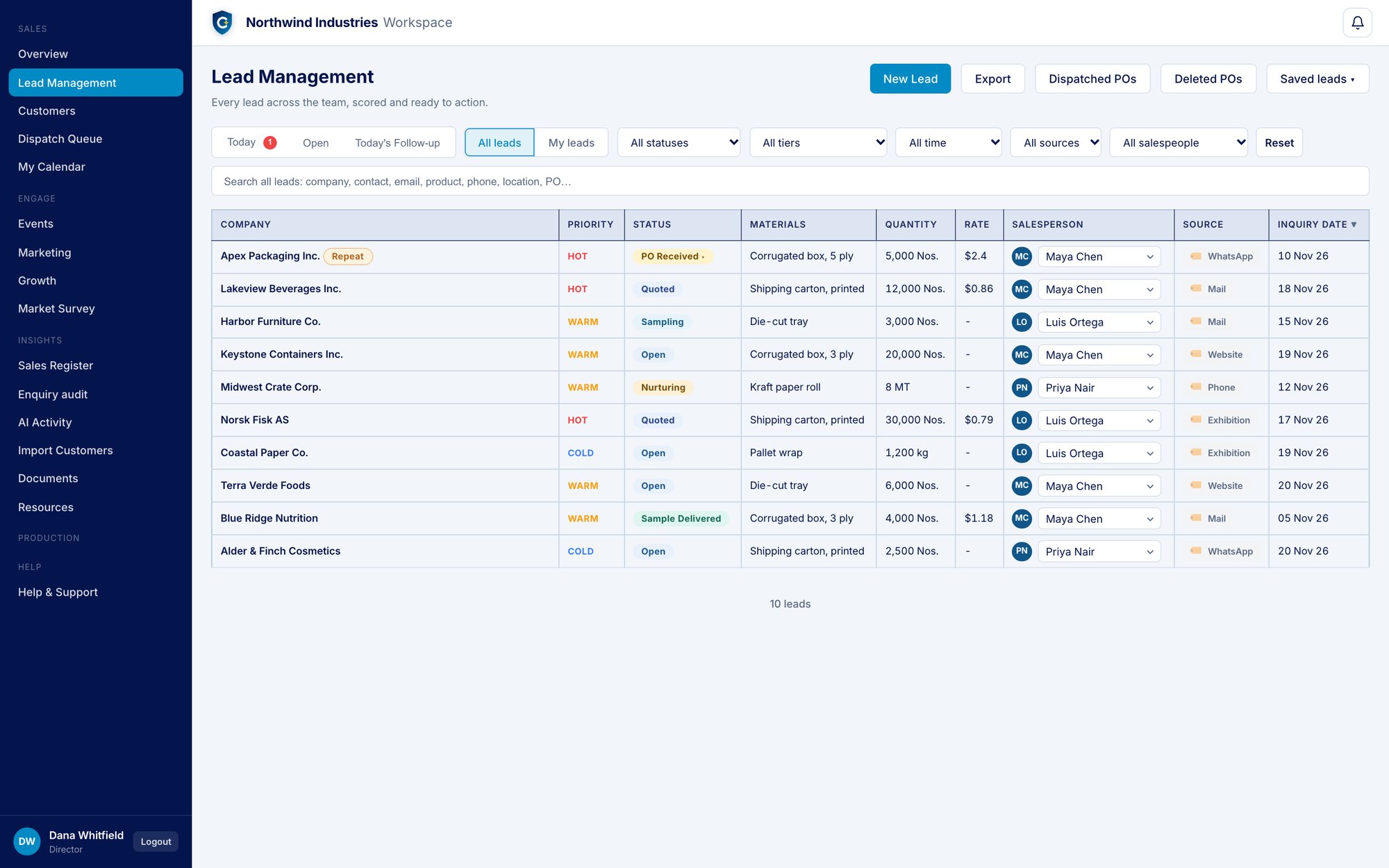
 Take the product tour
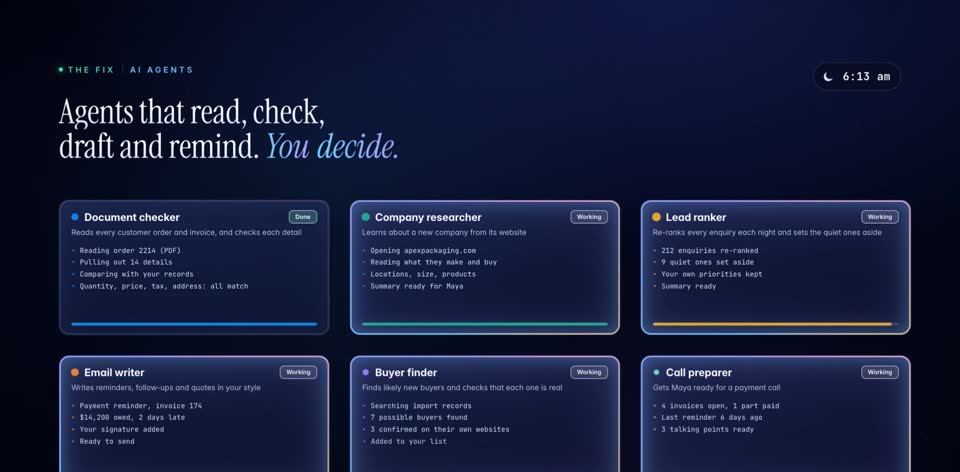 Meet the six agents
Reach new buyers, with their consent.
Marketing in CIM Workspace sends email campaigns only to contacts who have opted in. Audiences are built three ways, templates are kept in sync with Brevo, each campaign runs through a guided wizard, and every send is checked against recorded consent and the suppression list.
Marketing and events, at a glance.
Three ways to build an audience
By criteria, from a predefined CRM segment, or by uploading a contact file.
Templates kept in sync
Email templates are composed in the workspace and synchronised with Brevo.
A guided campaign wizard
Template, edit, audience and review, with campaign analytics afterwards.
Consent first
Every audience passes a consent and suppression check before anything is sent.
Trade show calendar
A curated list of trade fairs and exhibitions by region and country, where you can meet buyers.
Step by step.
- Build an audience.
- Select or write a template.
- Review the recipients; contacts without consent are excluded.
- Send, then review the campaign analytics.
Built for the people who do the work.
- DirectorRuns marketing, or grants access to a team member.
- EveryoneViews the trade show list.
The rules, exactly.
- No marketing email is sent without a recorded consent source and a suppression-list check.
- Campaign reports and exports are restricted to the director.
Asked about marketing and events.
Can we email every contact in the CRM?
No. Only contacts with a recorded consent source pass the check, and the suppression list always applies.
So the next time a buyer requests a price, you respond first.
A 30-minute call: we run one of your real orders through CIM Workspace, from enquiry to payment.