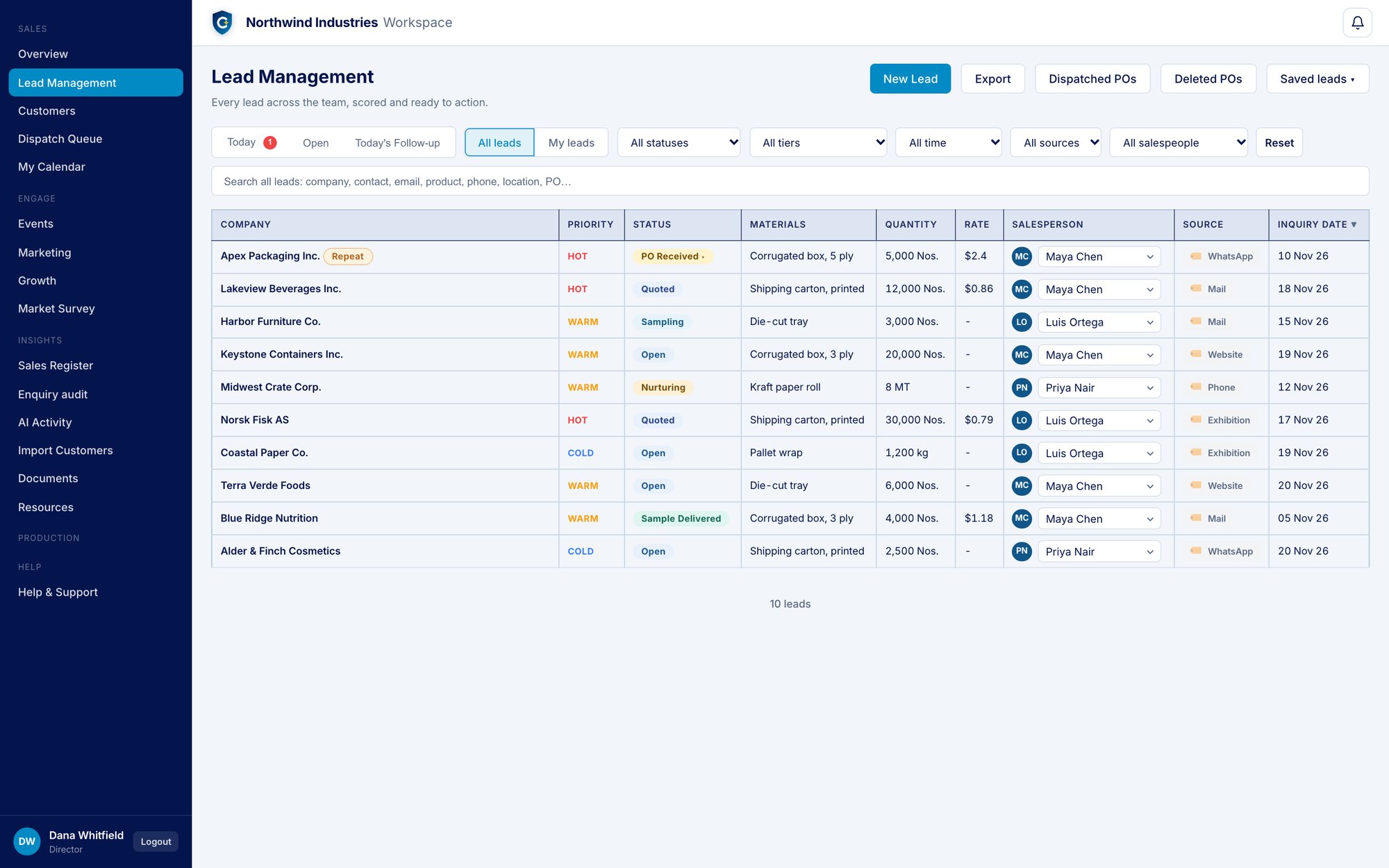
 Take the product tour
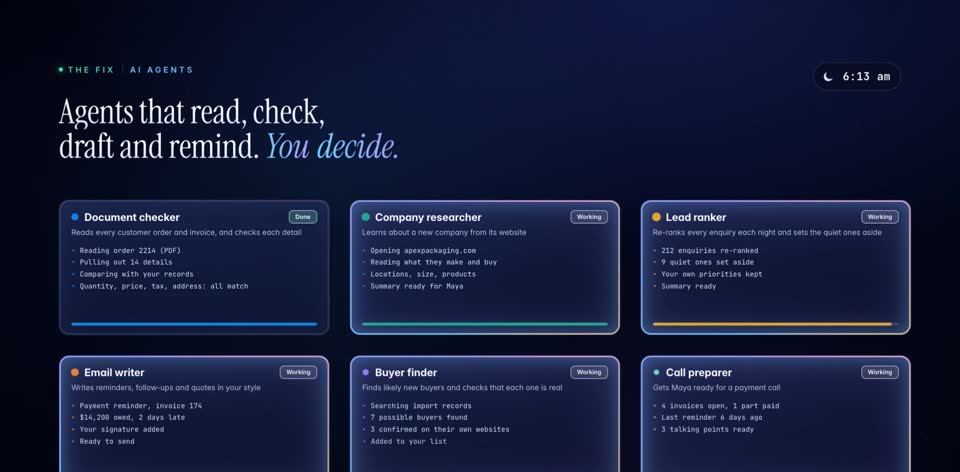 Meet the six agents
The whole business, on one dashboard.
The Overview is the director's dashboard in CIM Workspace. It shows the live pipeline, enquiry-to-order conversion by count and by value, conversion by material, top products and a daily brief of what needs attention, for today, this week, this month or any custom range.
Overview dashboard, at a glance.
Pipeline snapshot
Open enquiries, quotations and nurturing, sampling, orders received and shipments over time.
Conversion you can audit
Enquiry-to-order conversion by count and by value, with drill-down to the exact enquiries behind each figure.
Performance by material
Which products convert, and the top products by value.
A daily brief
A short written brief from the CRM Assistant alongside the list of what needs action today.
Step by step.
- Open the Overview and select a date range.
- Read the brief and the attention list.
- Select any figure to open the records behind it.
Built for the people who do the work.
- DirectorThe only role with company-wide analytics.
The rules, exactly.
- Date ranges: today, this week (Monday to today), this month, all time or custom.
- It refreshes live every 30 seconds while open.
- Every figure opens the records behind it.
Asked about overview dashboard.
Can salespeople see the Overview?
No. Company-wide analytics are restricted to the director. A Sales Head sees every lead and the team calendar.
Where do the figures come from?
From the same records the team works in: leads, orders and invoices. Nothing is entered separately.
So the next time a buyer requests a price, you respond first.
A 30-minute call: we run one of your real orders through CIM Workspace, from enquiry to payment.