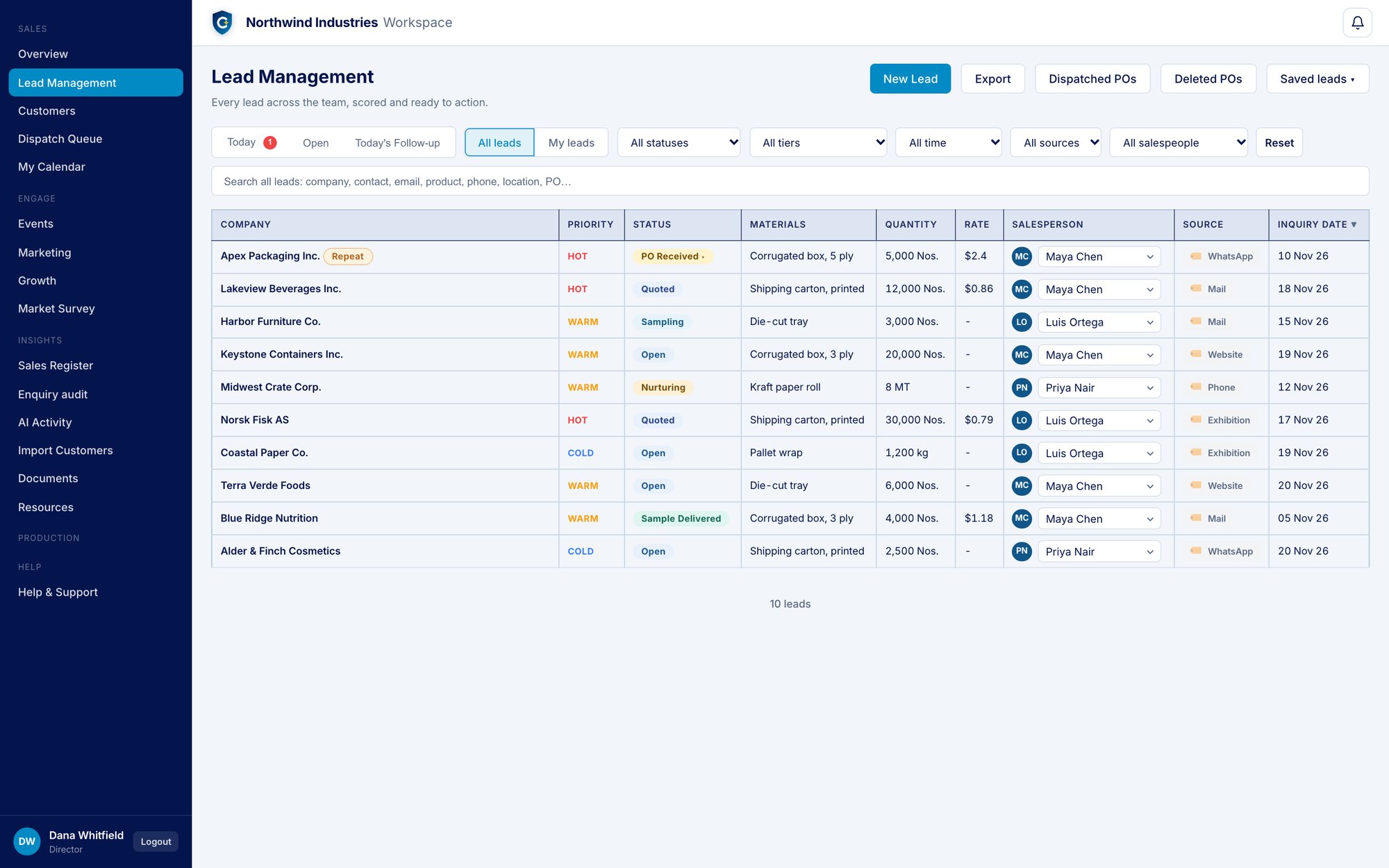
 Take the product tour
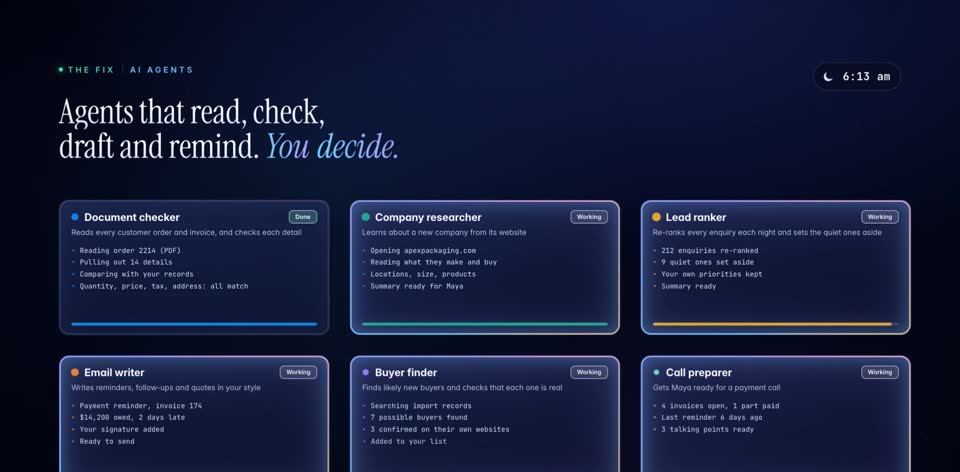 Meet the six agents
Run
Your customer data, imported in minutes.
Import Customers brings your existing customer list into CIM Workspace. Upload an Excel or CSV file, map the columns, and your customers are imported through the same validation rules as the screens, so you start with your own data on day one. Past orders can be imported from your sales register in the same way.
From the film
What it does
Import customers, at a glance.
Customers from a spreadsheet
Excel or CSV, with a template to start from and a preview before anything is saved.
Historical orders
A sales register can be imported as purchase orders, processed by the same rules as an order recorded on screen.
Prospects with consent
Outbound prospect lists are imported with the source of each contact recorded.
How it works
Step by step.
- Download the template or use your own file.
- Upload it and map the columns.
- Preview the result, then import.
Who uses it
Built for the people who do the work.
- DirectorRuns imports, or grants the page to a team member.
Key facts
The rules, exactly.
- Imports use the same rules as the screens, so imported records behave exactly like records entered manually.
- Every import shows a preview before anything is saved.
Questions
Asked about import customers.
Do we have to re-enter our customers?
No. Upload the list you already have and map the columns.
So the next time a buyer requests a price, you respond first.
A 30-minute call: we run one of your real orders through CIM Workspace, from enquiry to payment.